Download Instagram Profile Pictures the Right Way
Save a public Instagram profile picture at its real resolution — not as a blurry screenshot. Preview it first, then download the actual image file.

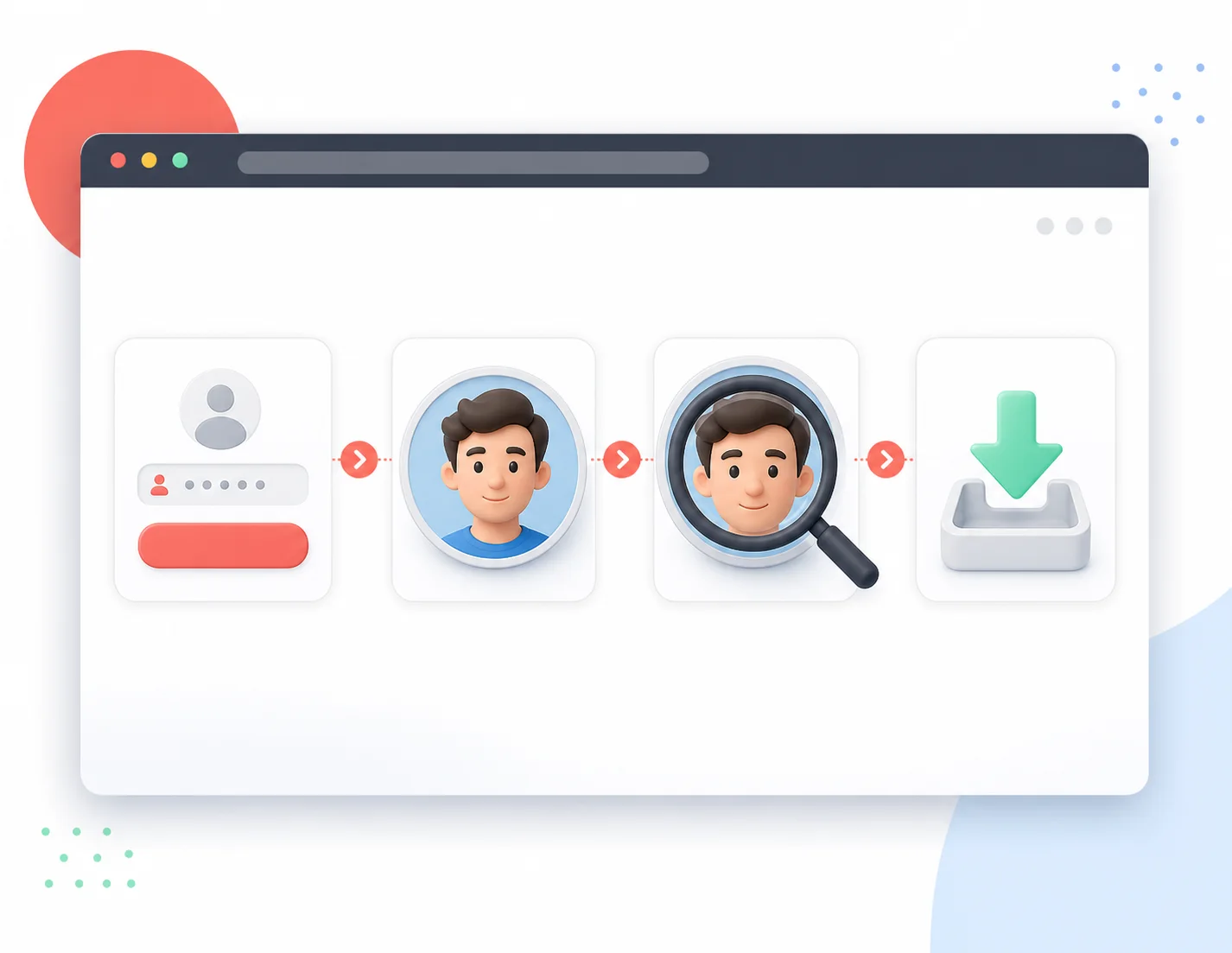
Downloading a profile picture, done properly
Most attempts to save an Instagram profile picture end in a pixelated screenshot. This tool takes a different route: it locates the actual image file behind the public profile, shows it to you first, and only then lets you save it. You decide what is worth keeping — the tool never decides for you.
Preview comes first
You see the picture at full available size before any save happens. No surprises.
The file, not the screenshot
What you save is the image file itself at its retrieved resolution — a real copy, not a capture of your screen.
Saved in original orientation
The picture is not re-cropped or re-compressed during the save. What you preview is what lands on your device.
Public content, clear limits
Only publicly available profile pictures can be saved. Private profiles are out of reach, by design.
The download workflow, step by step
Four steps between you and a properly saved profile picture:
Enter the username
Paste the public username, with or without @, into the search field.
Review the preview
The picture opens at full available size. Take a moment to check what you are about to save.
Zoom if you need to
Use the zoom view to confirm the details are what you expect.
Save the file
Click save and the image file downloads to your device, ready to use.
Downloading: rules, quality, and reality
Everything worth knowing before you save a profile picture.
Get the real picture file
Preview first, download second — that is the whole deal. Try it with any public username.