
Insta Profile Picture Viewer in HD
Type any public insta username and see the profile picture at a much higher resolution than the tiny circle shown in the app. No sign-in, no app install — it just works in your browser.

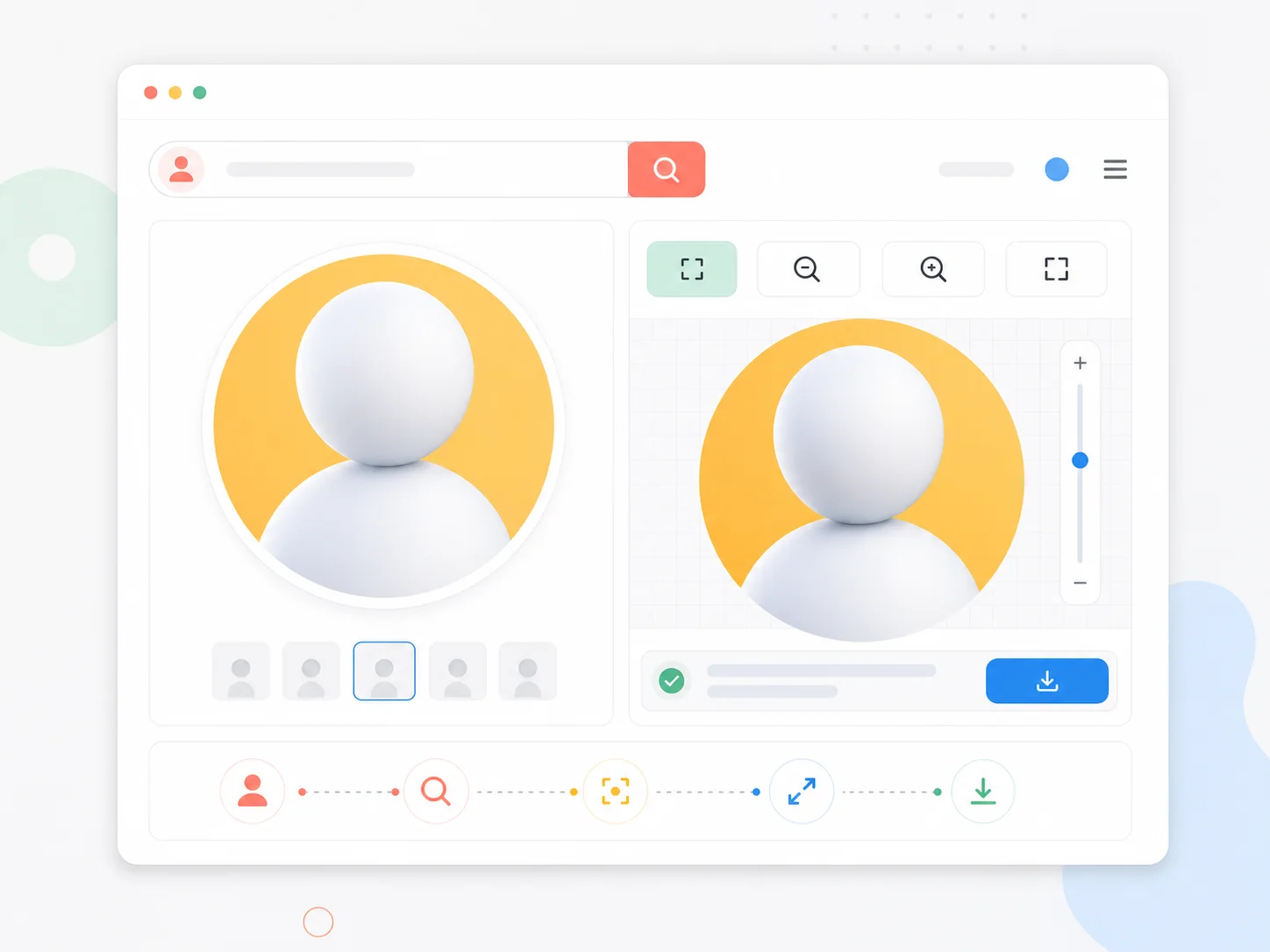
A viewer built around one simple job
Instagram shows every profile picture as a small thumbnail. If you need the actual image — to check a face, compare accounts, or collect references — the app makes it surprisingly hard. This viewer exists to remove that friction: one username, one lookup, one clear picture.
The image behind the thumbnail
Instagram serves a higher-resolution version of every public profile picture. The viewer fetches that version instead of showing you the crop.
No screenshots, no cropping
A screenshot of the app is blurry and cropped. The viewer hands you the full picture file directly in the browser.
Anonymous by design
You never log in, so the lookup can't be linked back to your account. Public profiles only, always.
One username is enough
With or without the @ symbol — paste, press enter, and the picture loads. That is the whole workflow.
Three steps to a full picture
If you can type a username, you already know how to use the viewer:
Paste the username
Grab the @name from anywhere and paste it into the search bar. The @ symbol is optional.
Wait for the lookup
The viewer checks the public profile and pulls the largest available profile image.
View or keep it
Zoom into the picture in the preview panel, or save it to your device from there.
What you get with every lookup
The viewer stays lean on purpose — no accounts, no clutter, no upsells in the way.
Public profile lookup
Any public insta account can be looked up by username; private accounts are never touched.
Full-resolution preview
The preview panel shows the profile picture at its actual available size.
Built-in zoom
Inspect small details of the picture before you decide to keep it.
Direct save
One click saves the picture you are looking at, in its original orientation.
Works on phones too
The interface adapts to small screens, so the lookup works while you are on the go.
No account, ever
There is nothing to sign up for. Open the page and the tool is ready.
Common questions about the viewer
Short answers about how the insta profile picture viewer works.
See any public insta profile pic in HD
The lookup takes seconds and costs nothing. Try it with any public username.