
Instagram Pic Viewer for Quick Profile Checks
A lightweight way to pull up a public Instagram profile pic when you need it fast — on your phone, between meetings, without opening the app.

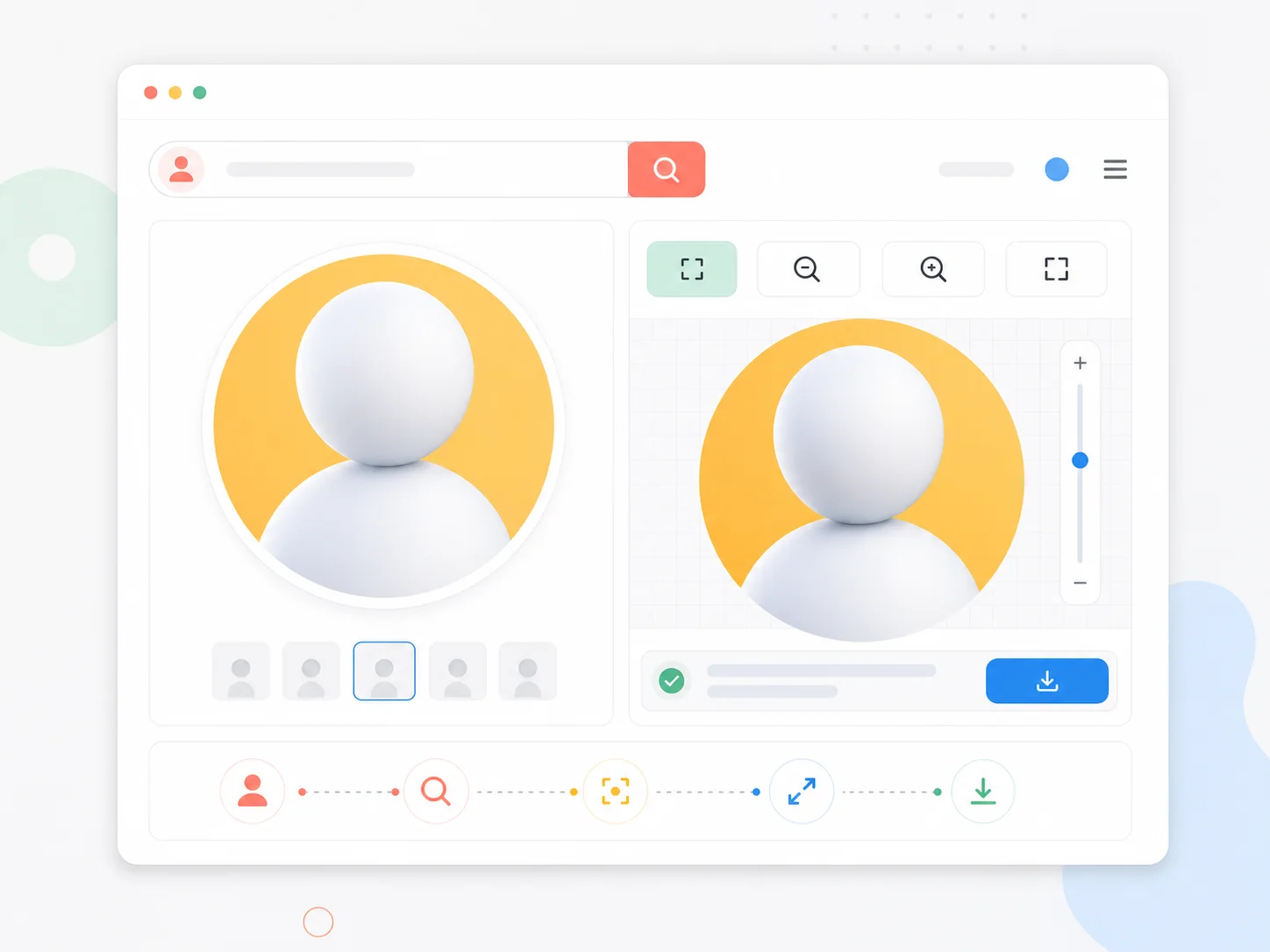
For the moments you just need the pic
Not every visit to a profile is a research project. Sometimes you want to double-check who you are talking to, compare two accounts, or grab a picture to show someone. The pic viewer is tuned for exactly those moments: open the page, type a username, and the profile pic is right there.
Built for small screens
The layout was designed with phones in mind — big tap targets, no hover-dependent controls, readable type.
One field, one action
There is exactly one input on the page. Paste a username and the lookup starts.
Clear about its limits
This tool opens profile pics. It does not touch posts, stories, reels, or anything private — that line never moves.
No app to download
The viewer runs in any modern browser. Nothing to install, nothing to update.
Built for speed, honest about scope
The feature set is deliberately small — each one exists for the same reason: getting you to the picture faster.
Username lookup
Type or paste any public username and the profile pic loads without further steps.
Clear preview
The profile pic is shown at a comfortable viewing size, ready to inspect.
Pinch-to-zoom friendly
The preview responds to standard touch gestures, so zooming feels natural on mobile.
Save the pic
When a picture is worth keeping, the save action is one tap away.
Fast on slow connections
The page is light and loads quickly even on mobile data.
Strictly public content
Only publicly available profile pics are shown. Private accounts return nothing.
Scenarios the pic viewer fits
A few everyday situations where a quick pic lookup earns its keep.
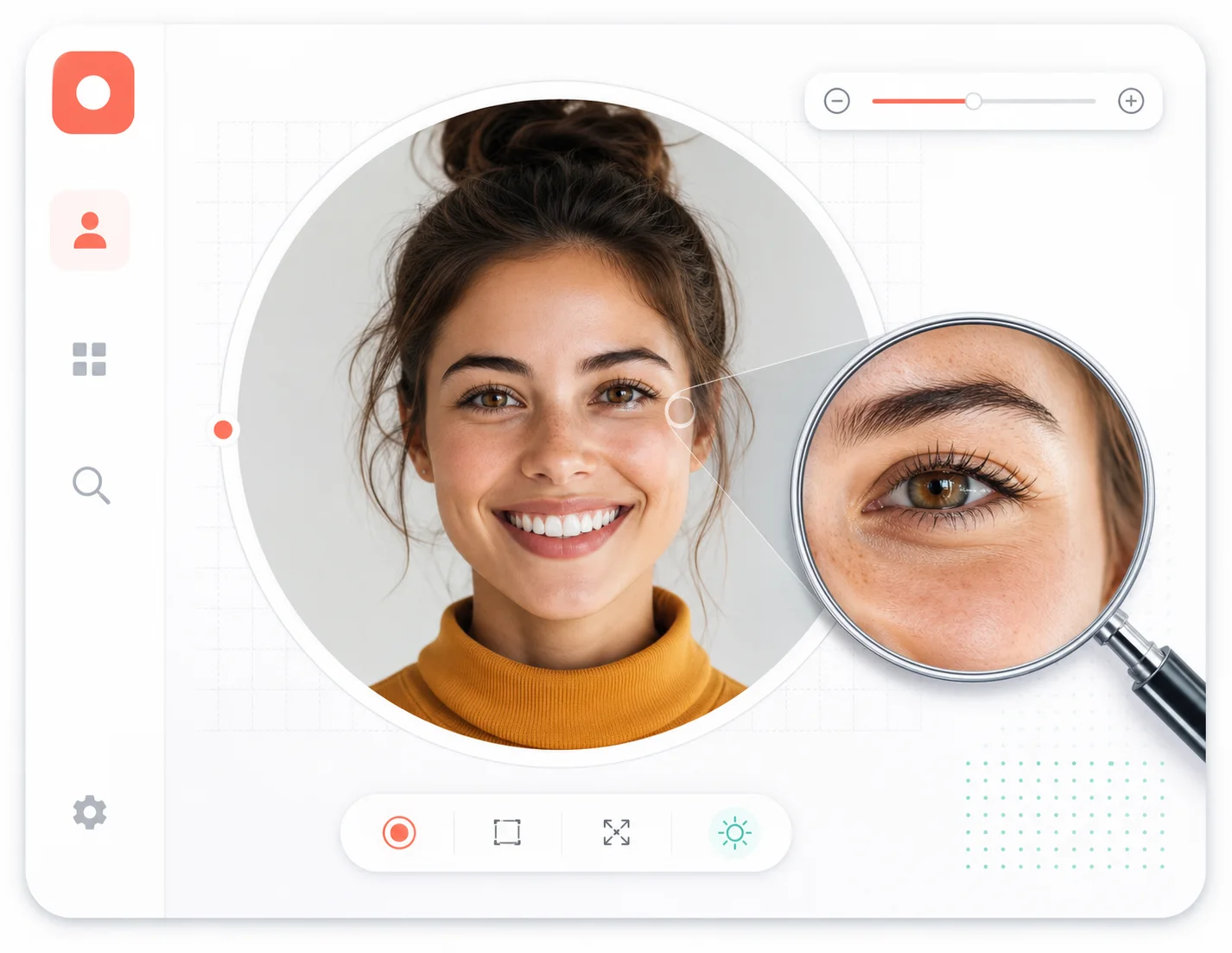
Pic viewer FAQ
What this tool can and cannot do, in plain terms.
The pic you need, in one lookup
Open the page, paste a public username, done. Try it the next time you wonder who you are looking at.