
Zoom Instagram Profile Pictures Without the Blur
Zooming into a thumbnail just makes it blurry. This tool opens the actual profile picture file, so zooming in stays sharp all the way.

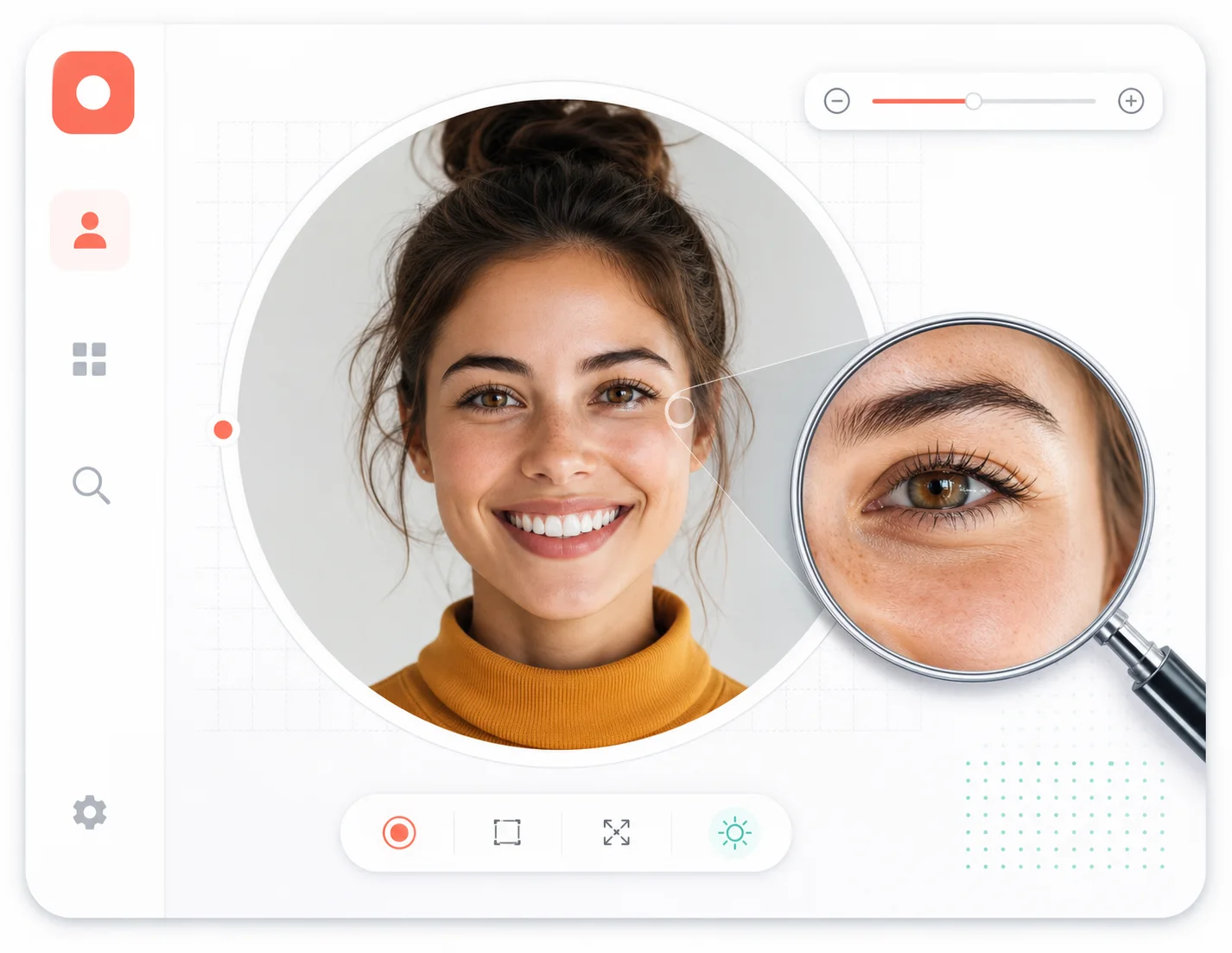
Why zooming is broken in the app
Pinch to zoom inside Instagram and the image quickly turns to mush. That is not a limitation of your phone — it is because the app is zooming a small thumbnail. The zoom tool sidesteps the problem: it fetches the source image first and lets you zoom into that, so every level of detail stays crisp.
Zoom the source, not the thumbnail
The tool loads the higher-resolution file behind the public profile before you ever start zooming.
Real pixels, real detail
Every zoom level shows the actual image data — no AI guesswork, no smoothing over missing pixels.
The zoom stays put
You can pan around the enlarged picture to inspect different areas, not just a fixed center crop.
Built for inspection work
Checking a face, a logo, a watermark — the zoom view exists for moments that need a careful look.
What makes the zoom actually usable
Zoom is only useful when the image stays sharp. These details make that true.
Source-file loading
The larger file behind the public profile is loaded before zooming starts.
Smooth zoom control
Zoom in and out fluidly with buttons or touch gestures — no jarring jumps.
Pan across the image
Move around the enlarged picture to reach every corner of the detail.
Save after inspection
When the zoomed view shows what you wanted, saving the picture is one click away.
Works on touch screens
Pinch gestures are supported, so the experience matches mobile habits.
No quality loss tricks
Nothing is sharpened or upscaled artificially; what you zoom is what exists.
From username to sharp zoom, in four steps
The workflow keeps the promise: source file first, zoom second.
Paste the username
Enter the public username, with or without @, into the search field.
The source file loads
The tool retrieves the higher-resolution image behind the profile.
Zoom and pan
Enlarge the picture and move around it to inspect the areas you care about.
Save what you need
Keep the picture from the preview panel once the inspection is done.
Zoom tool FAQ
Answers about sharpness, zooming, and what this tool can inspect.
Zoom in on the real picture
Source file first, sharp zoom second. Try it with any public username.