
Instagram Avatar Viewer for Bigger Profile Photos
The avatar on an Instagram profile is displayed at thumbnail size — but the actual image is much larger. This viewer retrieves the bigger version, so you can finally see the avatar clearly.

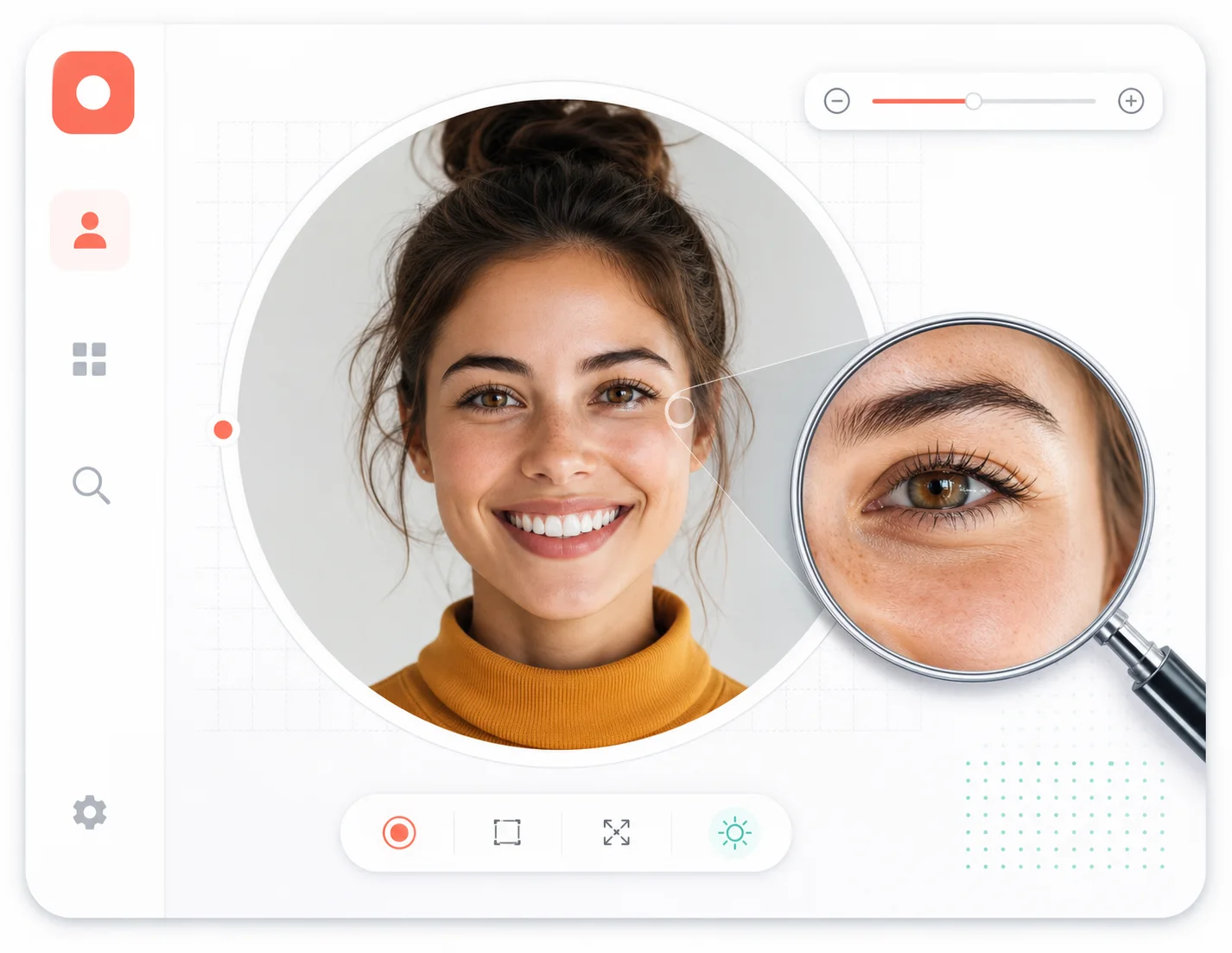
The avatar you see is not the avatar that exists
When you open a profile, Instagram renders the avatar as a small rounded square. Underneath that crop, a higher-resolution image file exists for every public account. The avatar viewer fetches that underlying file, so what you inspect is the avatar itself — not a pixelated thumbnail.
Thumbnail vs. source image
The circle you see in the app is a display crop. The source image behind it is what this viewer retrieves.
Same file, bigger canvas
No upscaling tricks are used — the larger preview is the same file displayed at its native size.
Sharper than a zoomed screenshot
Zooming into a screenshot only enlarges the pixels. Opening the source file keeps every pixel sharp.
Public avatars only
The lookup is limited to publicly visible avatars. Private accounts are never accessed.
The size gap is bigger than you think
A quick look at the numbers behind Instagram avatars.
~110px typical display size of an avatar thumbnail in the app
typical display size of an avatar thumbnail in the app
several times larger the source file the viewer can open for public avatars
the source file the viewer can open for public avatars
1 username is all the viewer needs to find the avatar
is all the viewer needs to find the avatar
Who actually needs a bigger avatar
The viewer matters whenever the thumbnail is not enough.
Avatar viewer FAQ
Straight answers about avatars, sizes, and how the lookup works.
Stop squinting at thumbnails
Enter a public username and see the avatar the way it actually exists — sharp and full-size.