Instagram Photo Downloader
Save any public Instagram photo in full resolution — feed images, carousel slides, profile pictures. Paste a link or browse a profile, download as clean JPG.

What is Instagram Photo Downloader?
Instagram compresses everything you see in-app. This photo downloader pulls the original image file instead — so an IG photo download keeps full detail for wallpapers, references, and archives.
Single photos and carousels
Save one standout image or every slide of a carousel album in original size.
Profile pictures too
The same tool opens public avatars at full size for one-click JPG saves.
No screenshots needed
Skip cropped, UI-stained captures — get the clean source image file directly.
Anonymous saves
Download Instagram photos without an account; nobody sees your visit.
Why download photos with iZoomer
Original files, not compressed scraps.
How to download Instagram photos
Save any public photo in three steps.
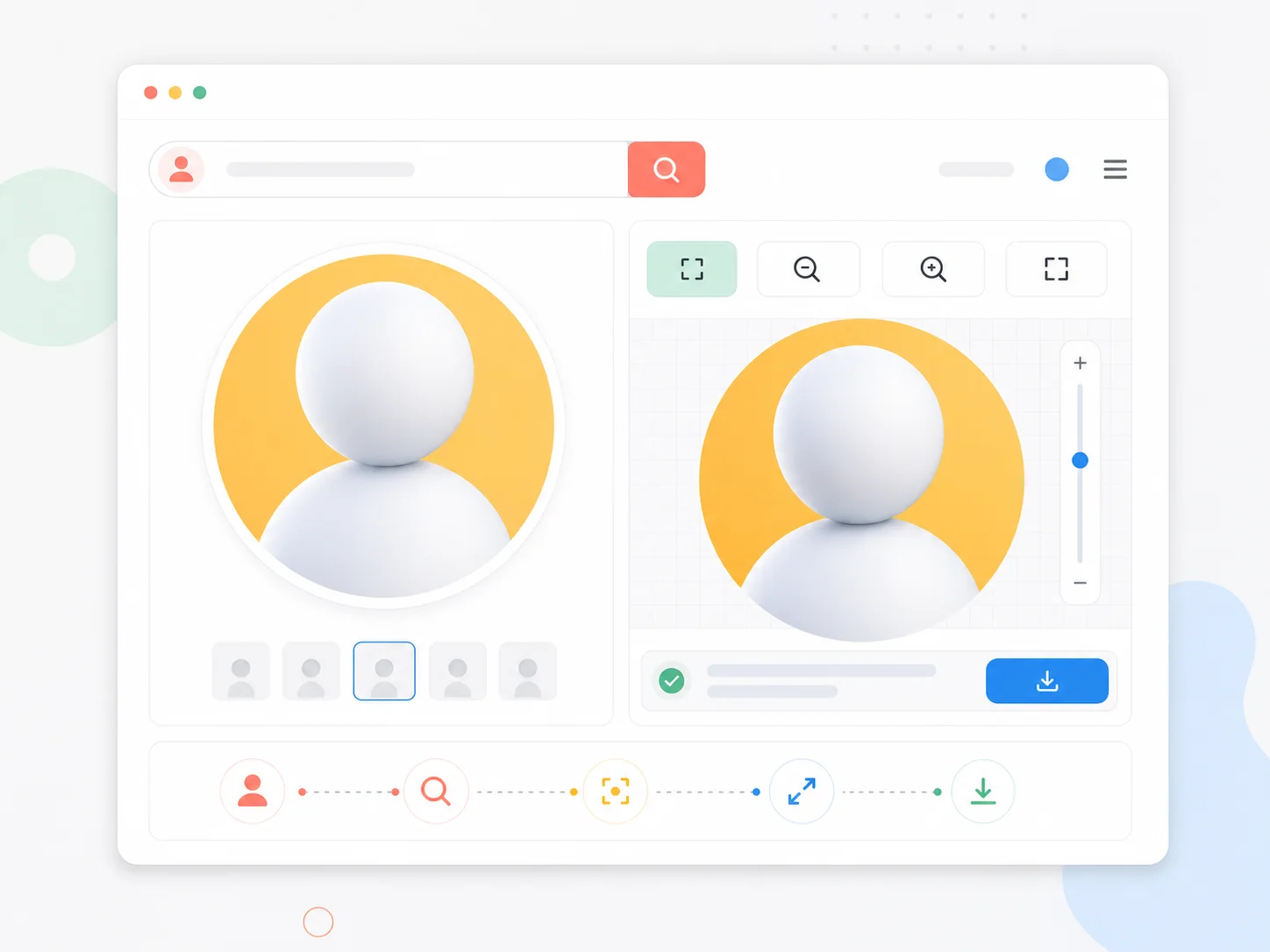
Paste link or username
Drop in a photo post link, or enter a username to browse their photo grid.
Preview in full size
Open the image to confirm quality before saving.
Download JPG
One click saves the original-resolution photo to your device.
Photo download features
Made for image quality purists.
Original files
Source images straight from Instagram servers.
Carousel support
Multi-photo posts save slide by slide.
Zoom first
Inspect details full-screen before downloading.
No watermarks
Clean files with no added branding.
Frequently Asked Questions
Common questions about downloading Instagram photos.
Download Instagram photos now
Paste a link or username above and save original-quality photos in seconds.