
Instagram Post Downloader
Archive complete public posts — every photo, video slide, and caption — in original quality. Paste a post link or browse any profile, save everything anonymously.

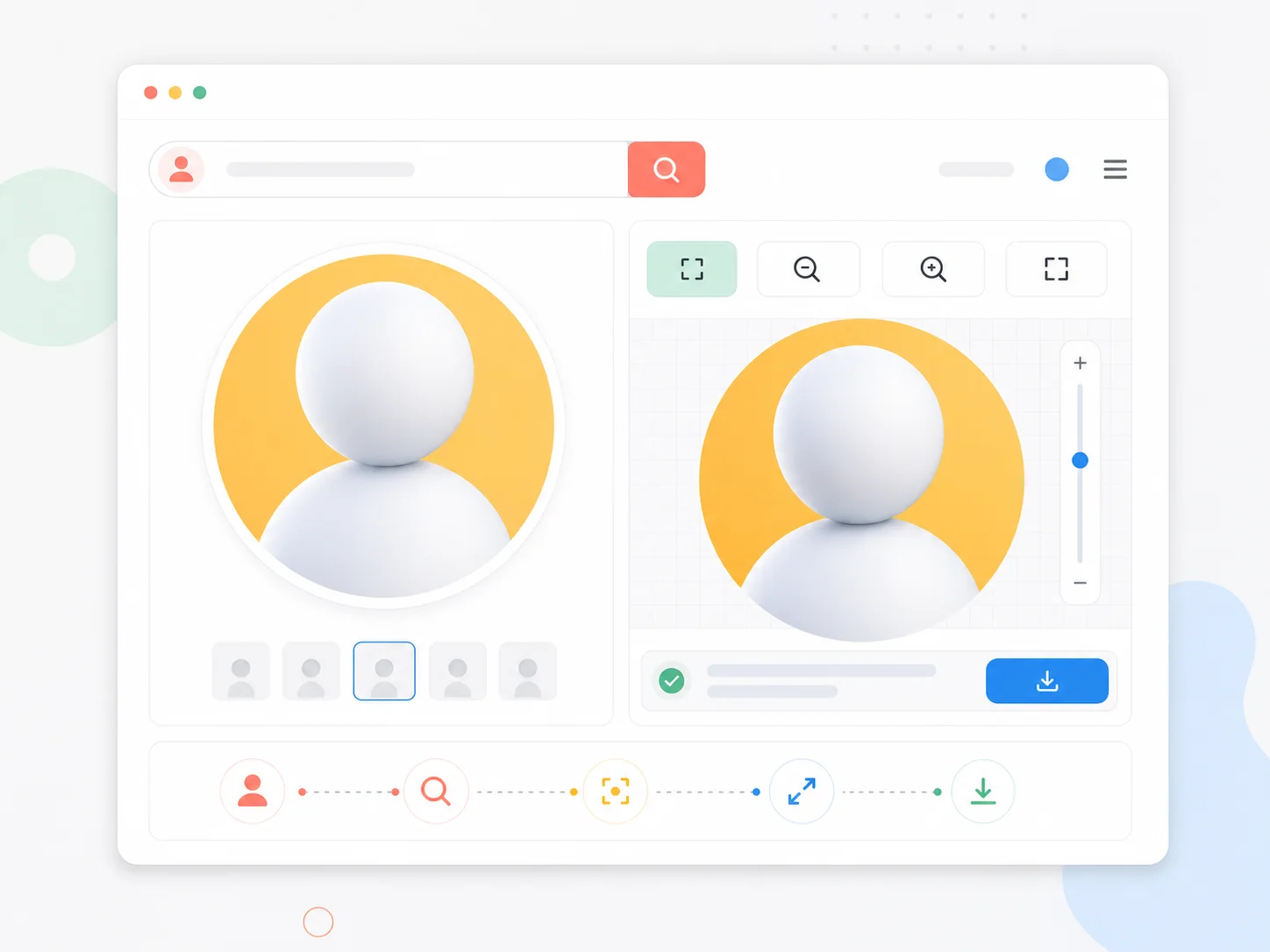
What is Instagram Post Downloader?
An Instagram post saver that keeps the whole thing: all carousel slides in HD, video with sound, plus the caption text. Save Instagram posts for research boards, mood collections, and offline archives.
Whole-post archives
Photos, videos, and captions together — the post as published, not fragments.
Carousels fully covered
Every slide of multi-photo posts downloads individually in full size.
Videos with sound
Video posts save as MP4 with original audio tracks intact.
Anonymous archiving
Save posts without an account. No likes given, no traces left.
Why save posts with iZoomer
Keep the posts that matter, complete and private.
How to download Instagram posts
Save any public post in three steps.
Paste link or username
Drop in a post link (instagram.com/p/…) or enter a username to browse posts.
Open the post
Preview all slides, video, caption, and counts in the full-screen viewer.
Save everything
Download each photo and video slide in HD with one click per file.
Post download features
Complete-post tooling.
Caption context
Full caption text visible alongside every saved post.
Slide navigation
Arrow keys and thumbnails for fast multi-slide review.
Engagement counts
Likes and comments shown for reference before saving.
Private saves
No login, no history, no notifications to creators.
Frequently Asked Questions
Common questions about downloading Instagram posts.
Save Instagram posts now
Paste a post link or username above and archive complete posts in HD.